
Technology and gadgets: options on Shopee
Discover headphones, speakers, and useful accessories. Learn how to check compatibility, features, and benefits before continuing on Shopee.
The best accessory is one that works with your devices and meets a need. Check the model, connections, and terms for each offer.
Choose the type of technology you need
Start with a specific situation: listening to music, organizing desk cables, taking a speaker on a trip, or protecting a device. A clear idea will help you compare similar accessories and rule out features you won’t use.
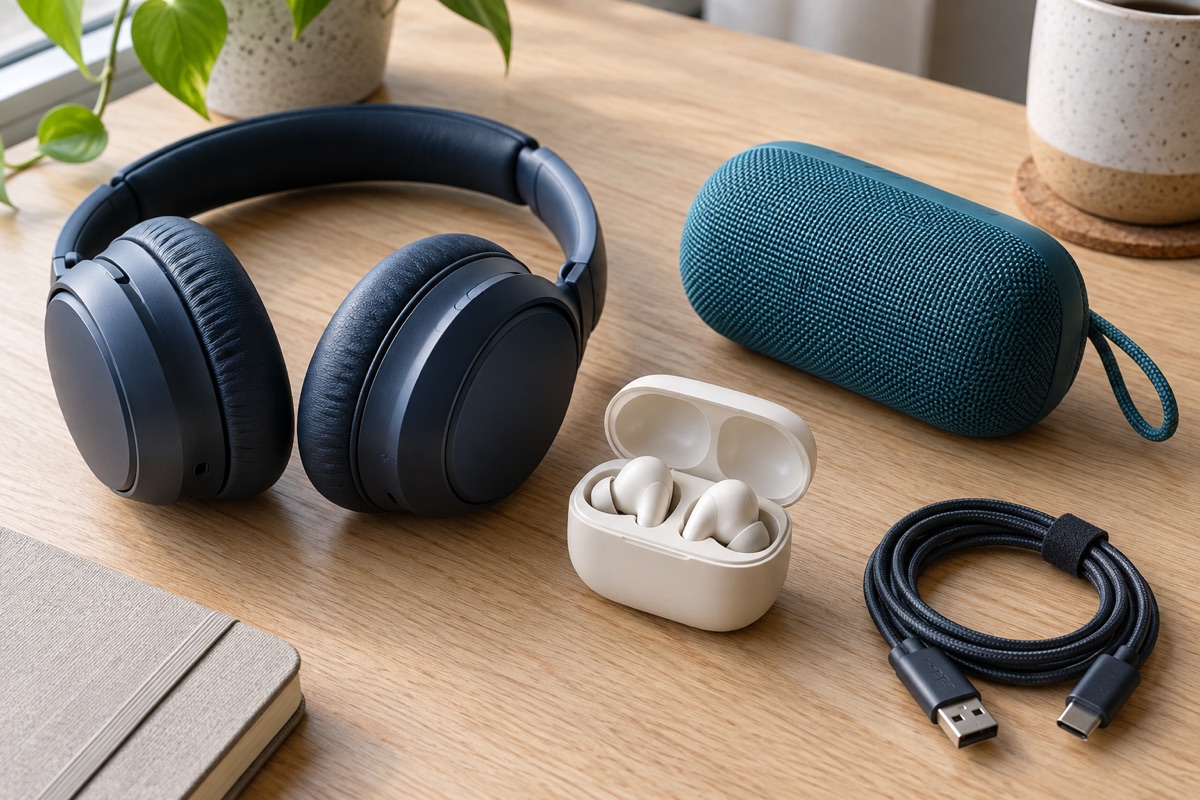
Shopee has electronics and gadget categories. Go to the platform for your region and explore the items shown there. The image in this guide shows different accessories; it doesn’t advertise a product bundle or a specific promotion.
Compatibility over appearance
Check the model of your phone, computer, or device and compare it with the accessory description. Check the connection type, dimensions, and compatible systems. Two products that look very similar may have different features and requirements.
For cables and adapters, check which connectors are on each end and what the product is advertised for. For cases or stands, check the dimensions and button placement. If a detail you need is missing, check the item information before deciding.
How to compare headphones and speakers
Think about where you’ll use them: at home, while commuting, or for meetings. Check whether the listing specifies a microphone, connection type, controls, and package contents. For wireless devices, check the advertised battery life and the conditions under which that estimate is given.
Don’t assume features based on design. Large headphones aren’t necessarily noise-isolating, and a sturdy casing doesn’t mean the device is water-resistant. Look for specific specifications and reviews that describe real-world use. Treat photos and slogans as a starting point, not as a technical specification sheet.
Available coupons and benefits
Check the benefits shown for your account and see which items or stores they apply to. A coupon may reduce the price, while a shipping discount applies to delivery. Check the validity period, restrictions, and any remaining costs.
Compare equivalent offers: the same model, quantity, and included accessories. If one option includes a case or cable and another doesn’t, take that into account. What matters is the full set of features and terms, not just the percentage highlighted in a promotion.
Delivery, support, and next steps
Check the estimated delivery time and the seller’s and platform’s support terms. If you decide to proceed, save the description of the selected variant and the order summary. This information will help you compare what you receive and explain any differences.
When you receive an accessory, check the contents and follow the manufacturer’s instructions. If you notice a problem, use the support channels available on Shopee. Technisor doesn’t distribute devices or activate coupons; the final link opens the official platform so you can check its options.
How to Continue
Decide how you’ll use it
Choose the type of accessory and note your device model.
Check compatibility and benefits
Compare connections, features, included items, and terms.
Check Shopee
Explore the options and confirm the information on the platform for your region.
Frequently asked questions
Will these accessories work with any device?
Not necessarily. Check each item’s connections, dimensions, and compatible models.
Does a shipping coupon include the device?
Shipping and the product are separate items; check the outstanding amount.
Does the image show guaranteed products?
No. It represents the technology category. Models and terms are listed on the official platform.
Explore technology options
Continue to Shopee to browse gadgets, accessories, and benefits available in your region.
View technology optionsYou will continue to a platform outside Technisor.